Baby monitor
- Runs on older iPhones with iOS 16 or later, such as an iPhone 8
- Dark screen with a lock
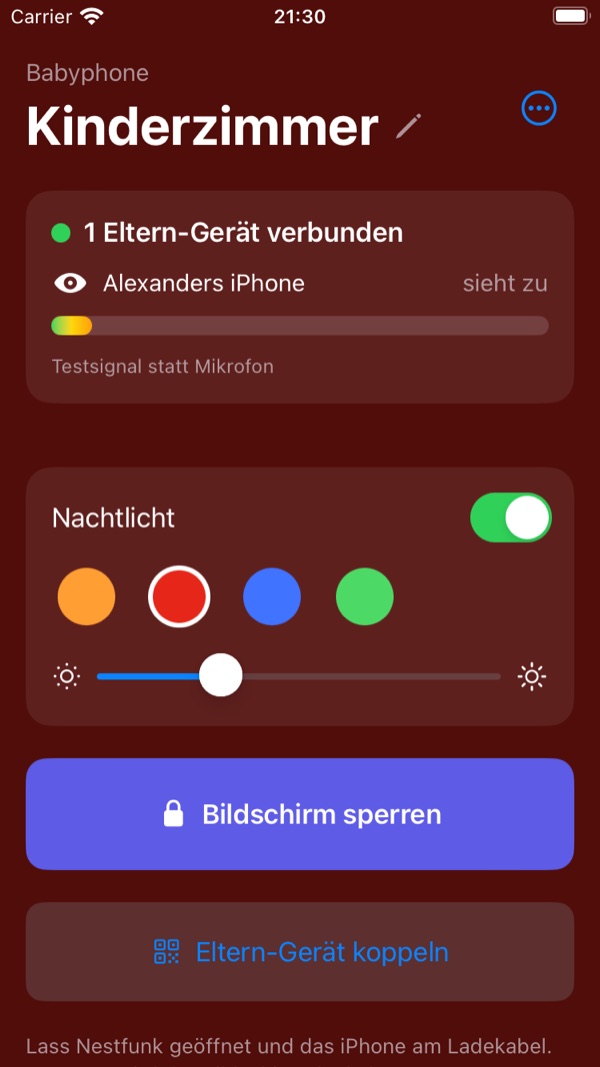
- Night light in several colours, also switchable remotely
- Reports battery, charging and temperature
Baby monitor on your own Wi-Fi
A spare iPhone stays in the nursery as the baby monitor. On your iPhone or iPad you hear your child, watch when you want and get notified about noise. Sound and video travel encrypted directly from device to device – on your Wi-Fi and, if you like, while you're away.
Nestfunk needs no extra hardware and no cloud. The baby monitor transmits directly to your parent devices, encrypted with a key only your devices know. Nothing is recorded.
The parent device notifies you about noise, even in the background and with the screen locked. If the baby monitor can no longer be reached, it sounds a continuous alarm.
Sound and video only travel between your devices, end-to-end encrypted. There is no developer server, no account and no recording.
Devices with the same Apple ID find the baby monitor automatically via iCloud. Invite your partner or grandparents via iCloud sharing – or simply scan the QR code.
If you like, you can also listen when you're not at home – directly over the internet or through your own relay server. Learn more
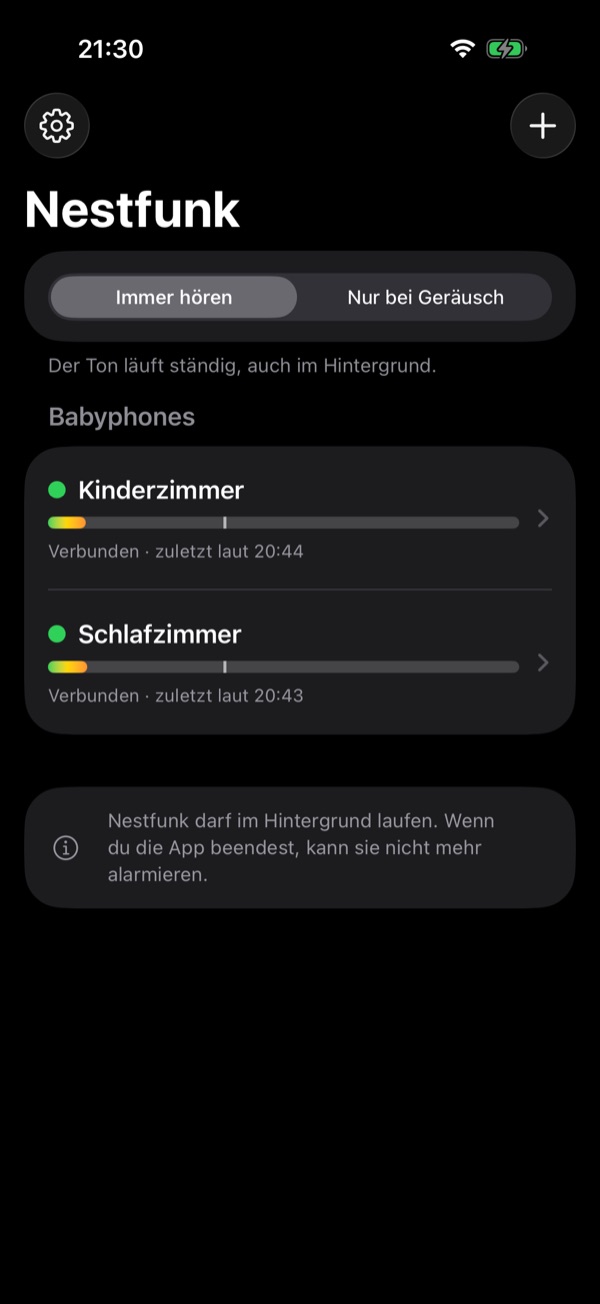
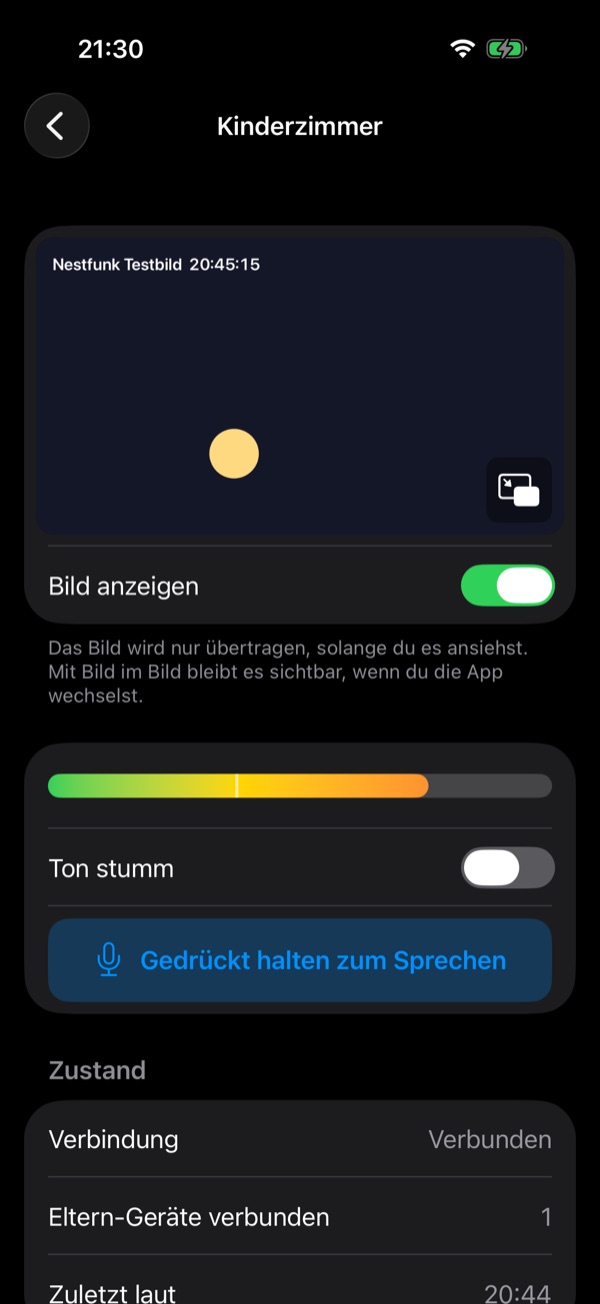
On the left the parent device with level meter and connection status, on the right the baby monitor in the nursery, showing who is listening.
Turn on “Reachable remotely” in the baby monitor's menu and “Remote listening” in the parent device's settings. If the baby monitor can't be found on the Wi-Fi, the parent device connects directly over the internet. The status line shows how: “Wi-Fi”, “Internet (direct)” or “Internet (via relay)”.
A direct path works on many home networks but not all – some routers and firewalls (e.g. OPNsense or pfSense with default settings, company and guest networks) don't allow it. A relay helps then. Nestfunk runs no servers; the relay runs on your own account.
turn:relay.example.org:3478), username and password.Your question isn't here? Just send me an email.
Devices with the same Apple ID find the baby monitor automatically via iCloud. For a different Apple ID, choose “Pair parent device” → “Share with another iCloud account …” on the baby monitor, or scan the QR code.
If nothing arrives from the baby monitor for a few seconds, the parent device sounds a continuous alarm, even in the background. Nestfunk then reconnects by itself. If you quit the app on the parent device completely, it can no longer alert you.
The baby monitor and the parent devices show each other by name, e.g. “Alexander's iPhone – watching”, so you can see at a glance which devices are listening. The name only travels encrypted between your devices.
By default, yes. With the experimental remote listening it also works over the internet, for example when your parent device is on mobile data.
No. Sound and video are only transmitted and played back immediately. Everything else the app processes is described in the privacy policy.
Questions, bugs and wishes about Nestfunk are welcome.
Nestfunk does not replace adult supervision. Check the connection before every night.